How To Send Emails Using Flogo Apps in TIBCO Cloud Integration
  1. Blog/

How To Send Emails Using Flogo Apps in TIBCO Cloud Integration

·2 mins·

Sending emails is still a core part of many integration flows — error notifications, confirmations, alerts. This tutorial walks through setting up the Send Mail activity in TIBCO Cloud Integration’s Web Integrator, using Gmail as the provider.

Note: you might need to create an ‘App Specific Password’ if your account uses two-factor authentication

This one is mostly visual — screenshots do the heavy lifting.

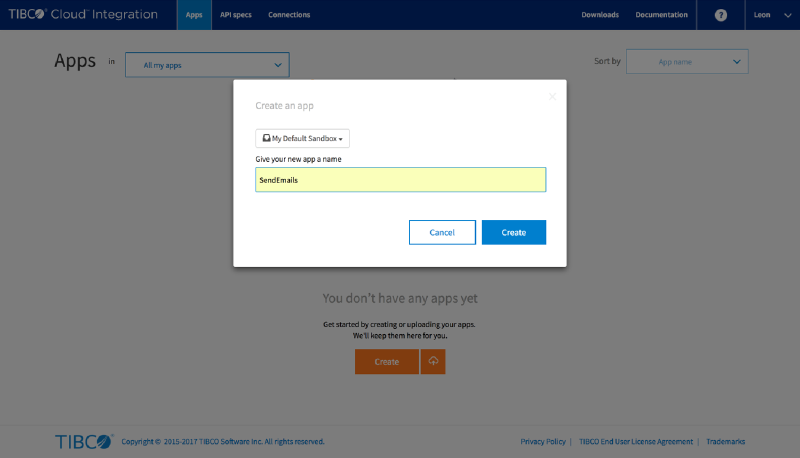
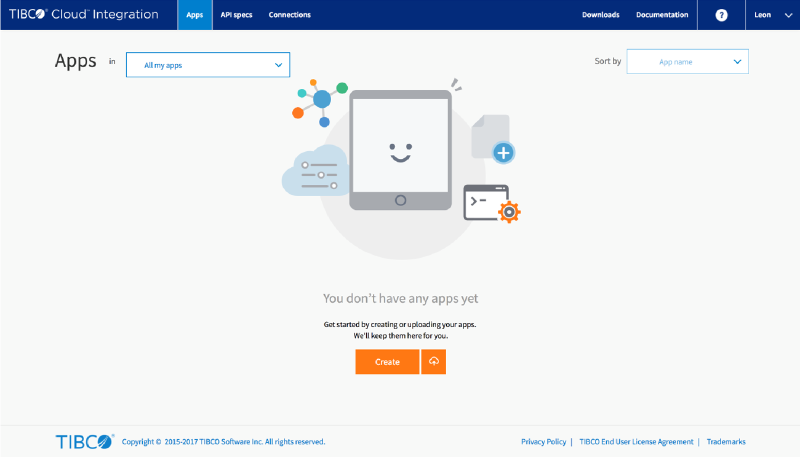
Create a new app
#
pic

Give the app a name
#

pic

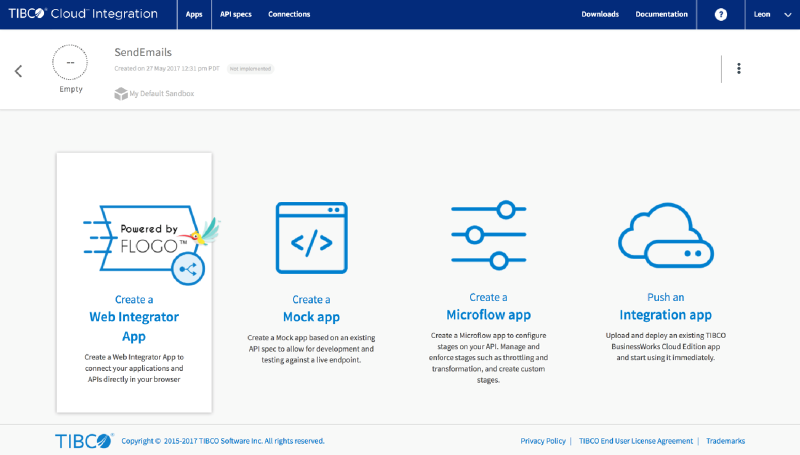
Choose the Web Integrator App type
#

pic

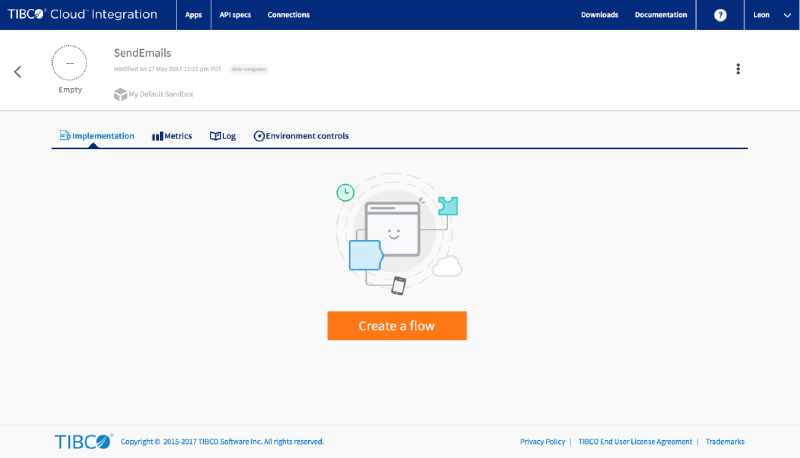
Create a new flow
#

pic

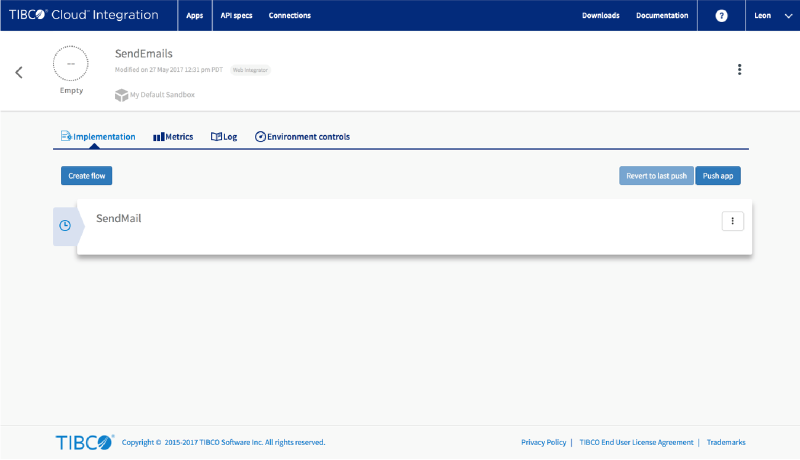
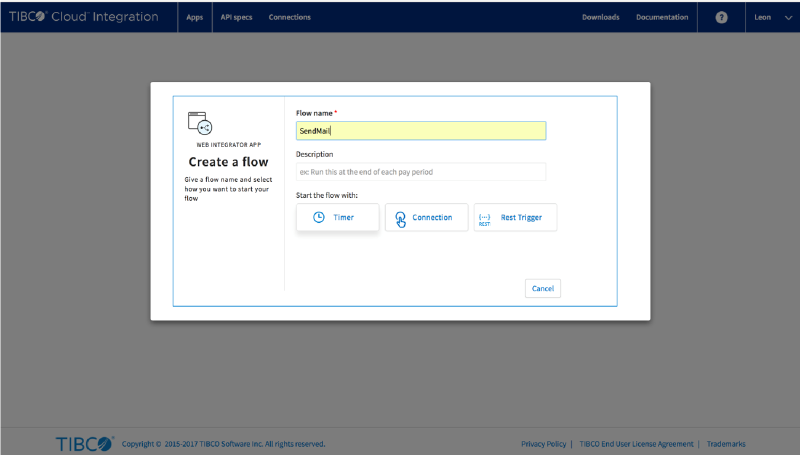
Give the flow a name and select the Timer to start
#
pic

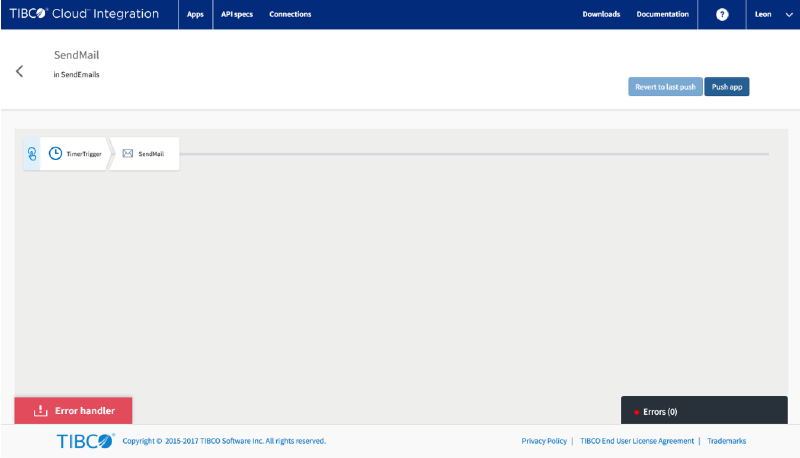
Click on the newly created flow
#

pic

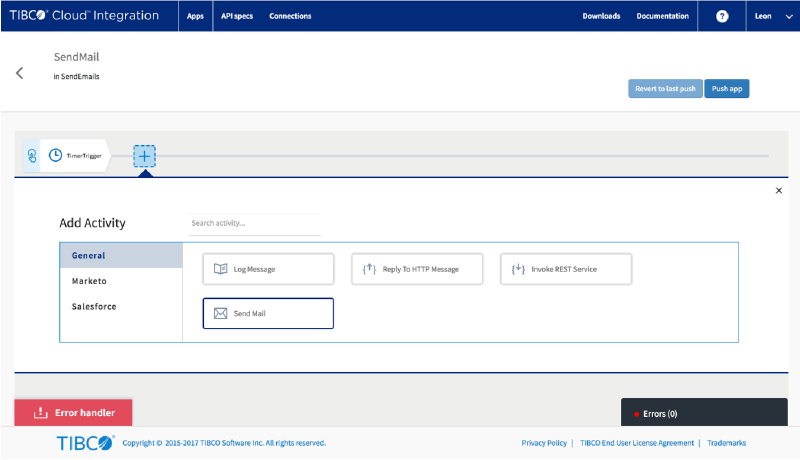
Add a ‘Send Mail’ activity
#

pic

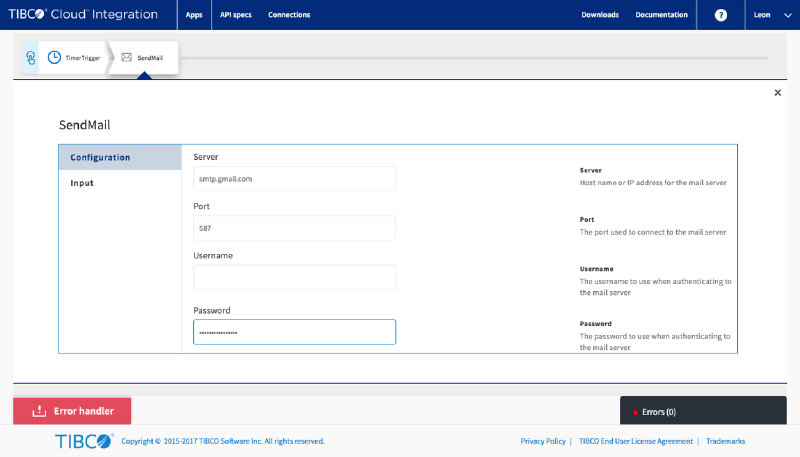
Configure the properties
#

pic
Note: This slide uses Gmail, though you can use any other mail provider as well

App specific passwords
#

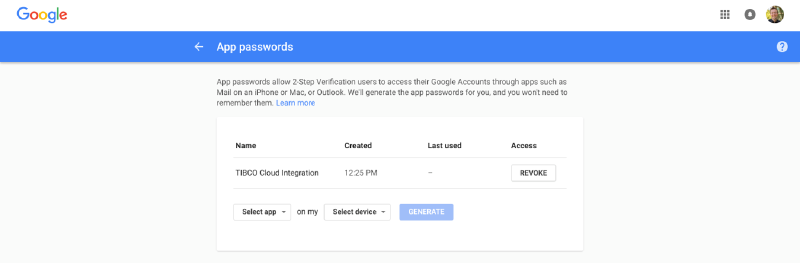
If your email account uses two-factor authentication you need to create an ‘App Password’ like here for Gmail
pic

Add receivers
#

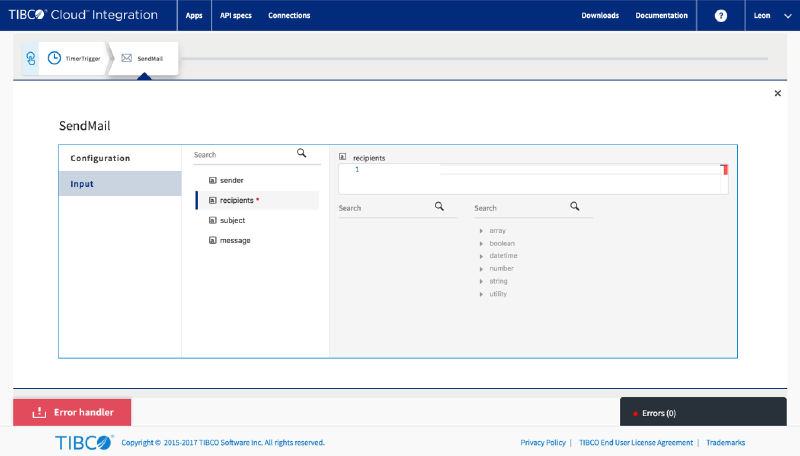
On the ‘Input’ add the recipients (comma separated if you want more than one)
pic

The subject
#

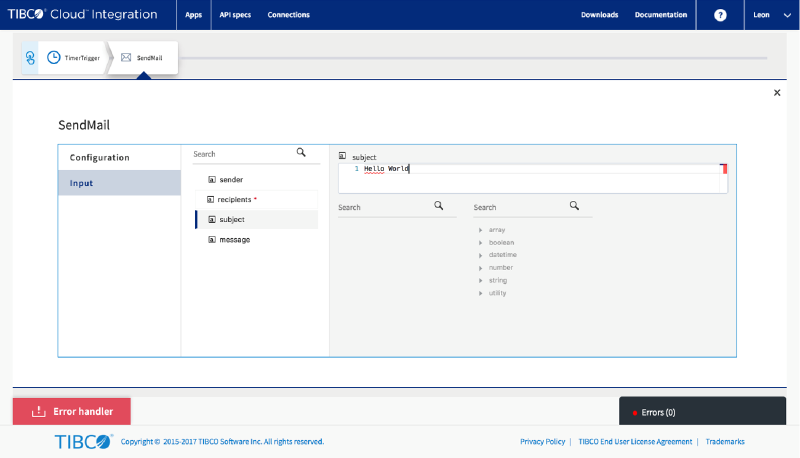
Add the subject line for your email
pic

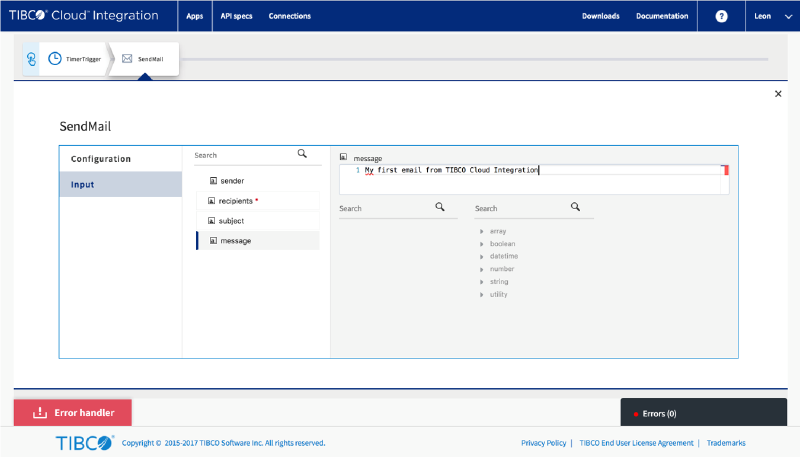
Your message
#

Input the message body you want to send
pic

Push the App
#

pic

That’s it
#

In a few seconds your app will start and send the email. Let me know your thoughts on this tutorial either by commenting below or posting something on the TIBCO Community!


Related

How To Use Git Hooks To Automatically Deploy Apps

·2 mins
Probably the most common version control system used by developers today is git. Whether that is a self hosted server (like Gogs), a bare repo (git init) or with GitHub, most developers intuitively choose git. I try to store all my projects in local git repos and some of them make it to GitHub, while many of them don’t. When it comes to deploying apps to TIBCO Cloud Integration, I do many updates per day so I wanted an easy way to not only store my latest source but deploy it right after.

How To Set Up Continuous Integration with Jenkins and Node.js

·4 mins
Creating deployment artifacts every time you check something in to GitHub gets old fast. Jenkins can handle that for you. This post walks through using Jenkins with the tibcli utility to deploy Node.js apps to TIBCO Cloud Integration every time updates are pushed to GitHub.

VSCode Extension For TIBCO Cloud Integration

·1 min
I’ve just updated the Microsoft Visual Studio Code extension to help develop and deploy Node.js apps to TIBCO Cloud Integration. Apart from a whole bunch of restructuring, it now has the ability to create a new Node.js app (if you don’t want to start from an API spec) and it makes use of the .env files to work with process.env context.